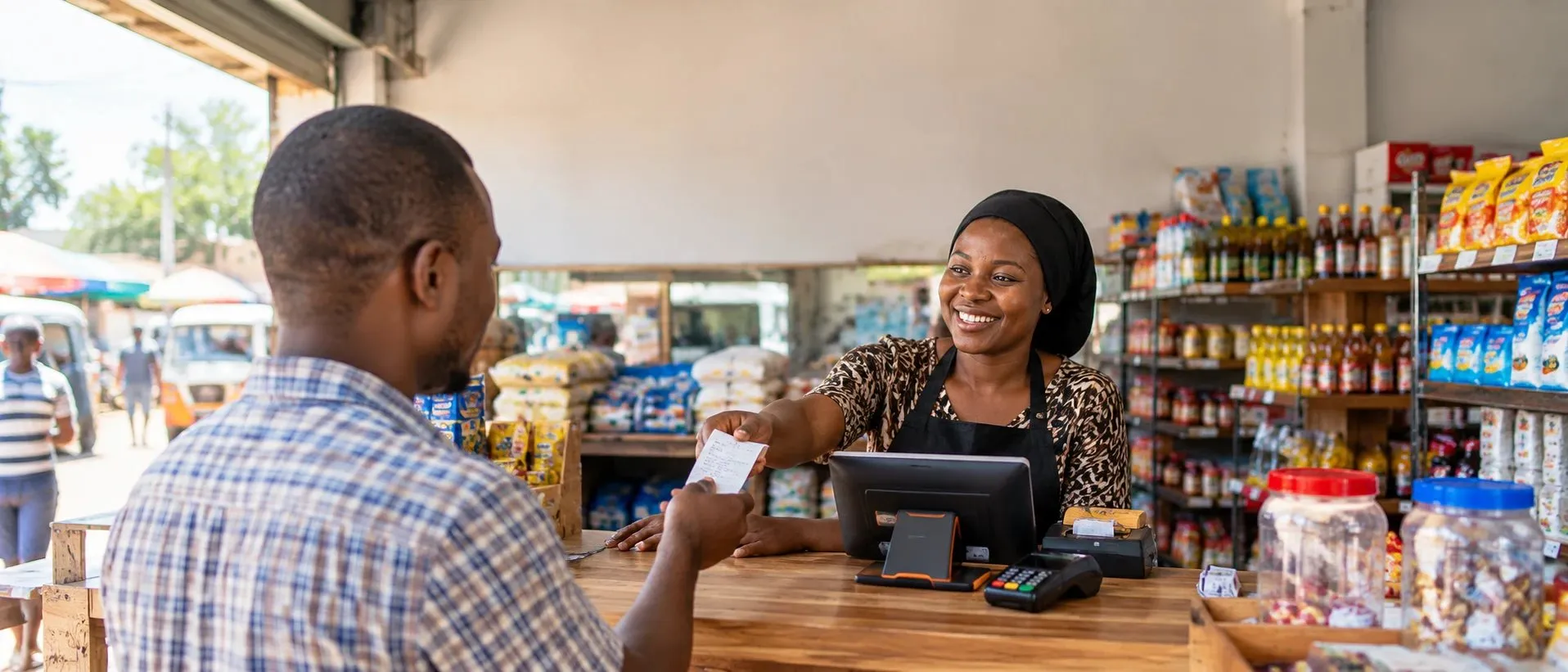





BUILT FOR BUSINESS IN TANZANIA

One POS.
Business in sync.

Bring sales, stock and real profit together. A point of sale that understands your business — from your first customer to your next branch.

Free up to 1,000 sales / month. No credit card.

01

Smart business. Seamless sales.

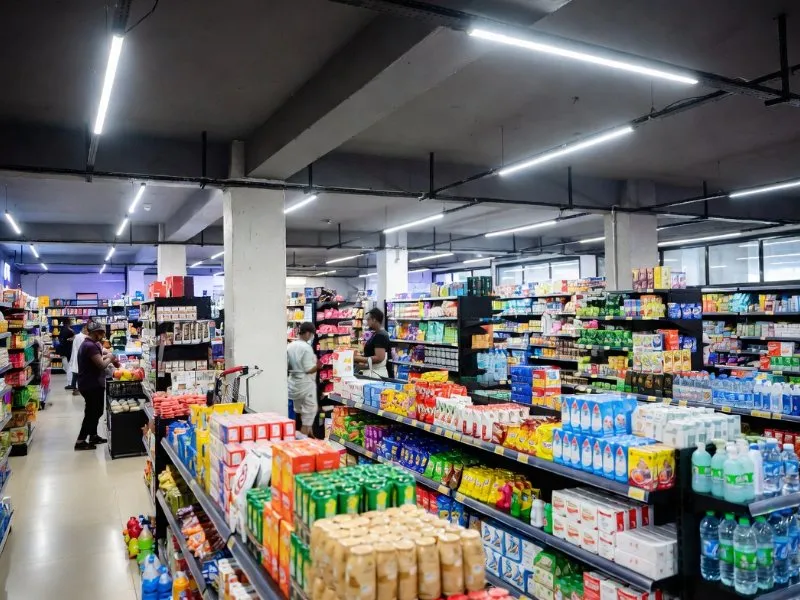
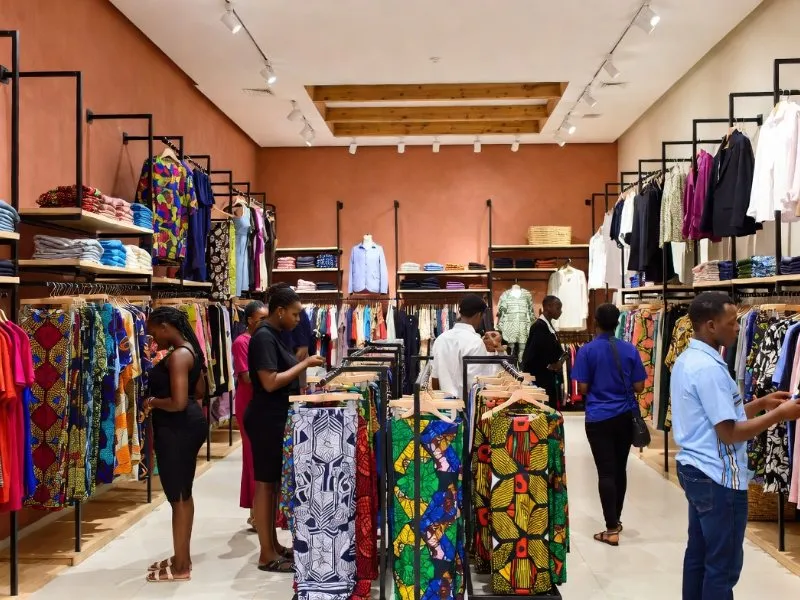
Retail business interior
↗
Every item. Every sale.

Barcodes, stock and your real profit — together.

YOUR FLOOR. YOUR FLOW.BiasharaPOS
01 /Sell on phone, POS or computer
02 /Keep counter sales moving offline
03 /Know your real profit per sale
Built for your floor

Tuned for every vertical

The same fast checkout, tailored to how your industry actually sells. Kila biashara, mfumo mmoja.

Same two terminals. Whatever you sell.

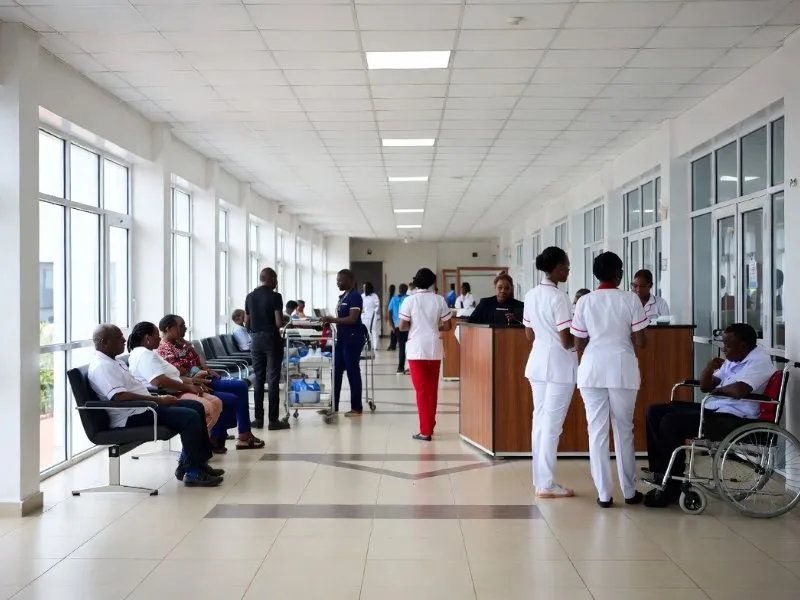
A pharmacy ringing up a prescription and a kitchen firing an order are the same hardware, running the screen each one needs.

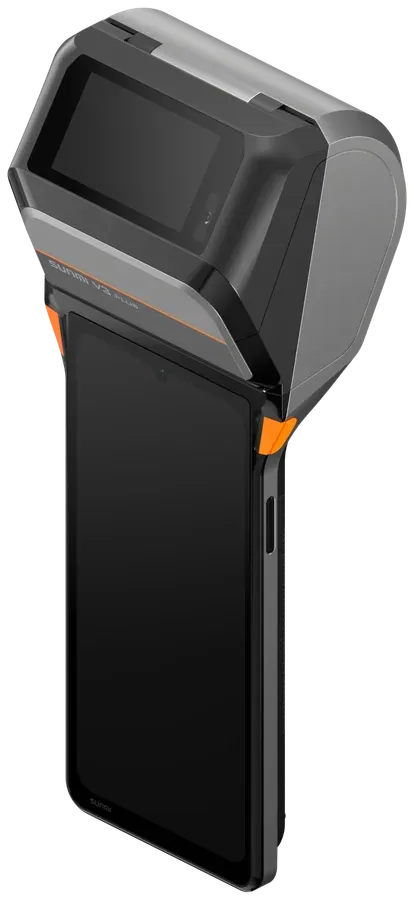
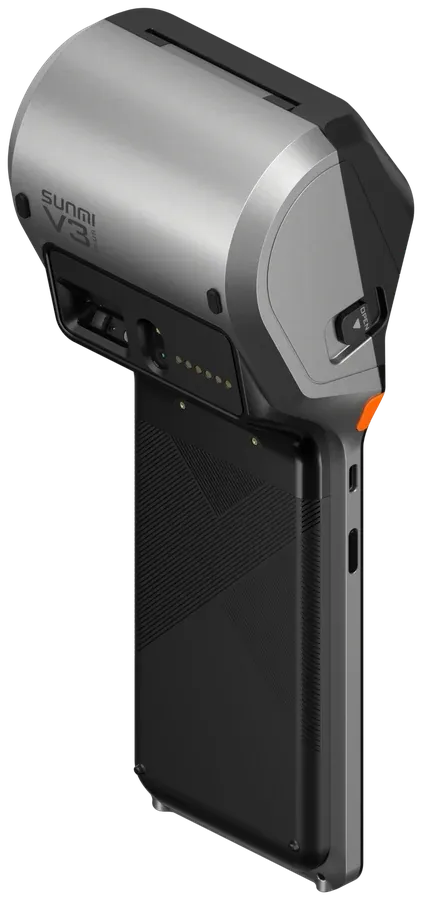
SUNMI V3 PLUS handheld running a pharmacy sale in BiasharaPOS
Pharmacy · at the counter
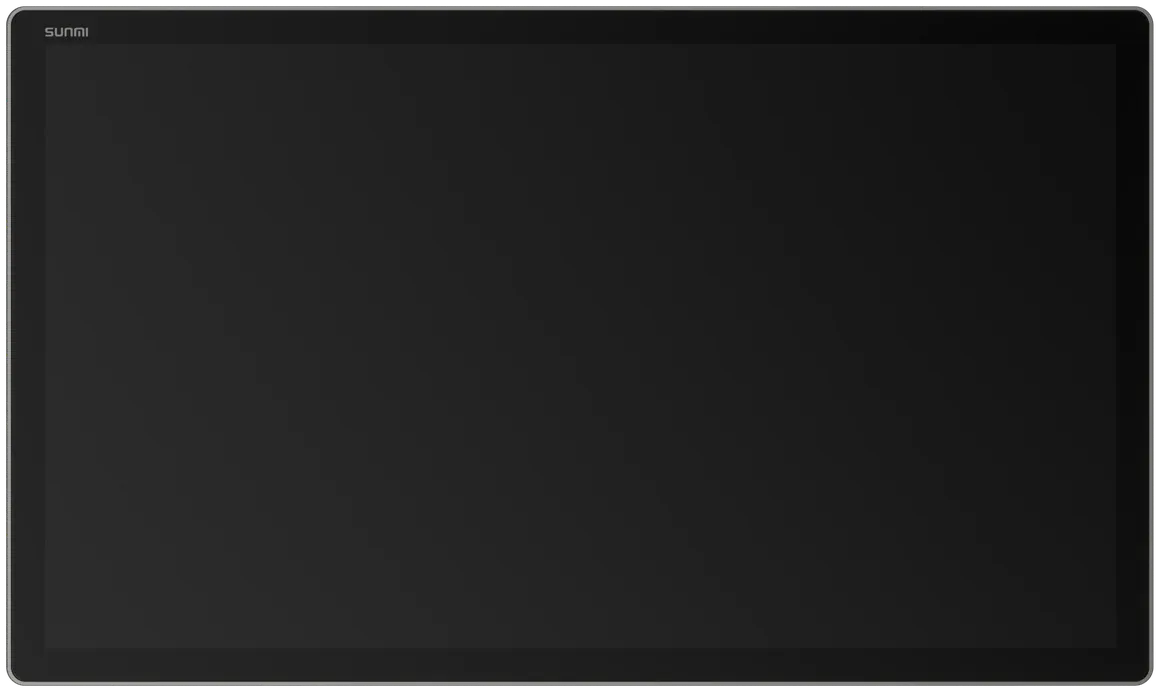
SUNMI FLEX 3 running the BiasharaPOS kitchen screen in a restaurant
Restaurant · in the kitchen
See it in action

One system, tuned to your trade

Pick your industry and watch the POS adapt — products, profit and receipts update live. Chagua biashara yako.

BiasharaPOS · Point of Sale
Fiscal receipt sealed
Retail · POSGeneral store
Barcodes & bulk
Net profit · this sale
+TZS 4,200
after COGS · expenses · VAT
Sales todayTZS 847,500
Transactions24
✓ Fiscal receipt issued · queued for TRA
Charge sale
Accepts M-Pesa Mixx by Yas Airtel Money Visa Mastercard
One system, many counters

A restaurant and a boutique need different tills.

So BiasharaPOS gives them different tills — on the same stock, the same staff list and the same books.

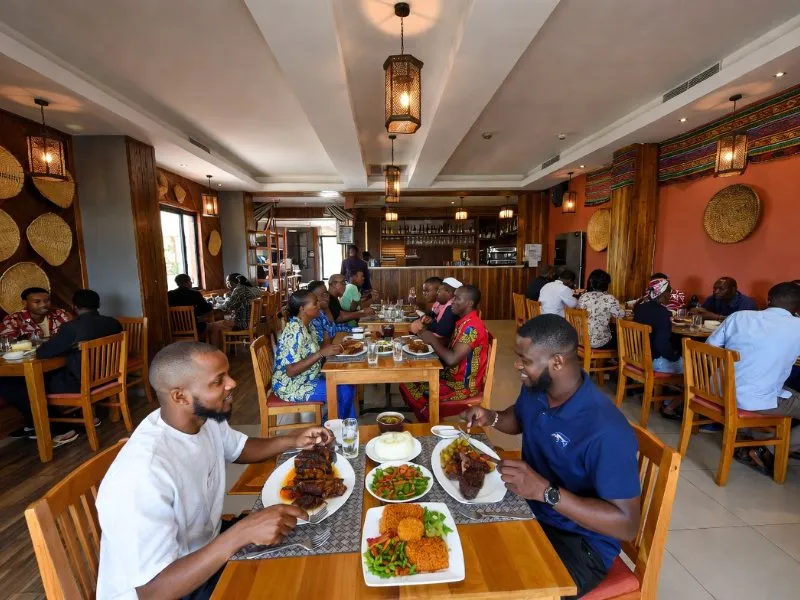
Restaurant

The order leaves the table and lands in the kitchen.

Your waiter takes the order on their own Android phone. It prints in the kitchen the moment they fire it, and shows on a kitchen screen with a timer that turns amber, then red, against the prep time you set.

  • Diners scan the QR on their table, order, watch the kitchen work and ask for the bill without getting up
  • Split a bill item by item so each guest pays their own, and settle one bill across cash, M-Pesa and card
  • Enter a recipe once and see food cost and margin per dish — firing a plate draws its ingredients out of stock
  • End of day gives you covers, table turns, food cost, waste, your busiest hour and every unsettled bill
See how it works →
Jikoni · Grill 3 live
T4 · Round 202:10
2 × Nyama Choma
1 × Chips Mayai
T9 · Round 106:48
1 × Pilau
2 × Chapati
Takeaway · 11411:25
1 × Mishkaki
Online shop

Put the same rail online, without a second stock list.

Open a shopfront on the stock you already have at the till. A boutique gets a lookbook layout; a pharmacy, restaurant or hardware shop each get their own. Sell one shirt online and the shelf count moves at the counter too.

  • Customers order without creating an account — no password, no sign-up, just a phone number
  • Share a product straight to WhatsApp or Instagram and the link opens with its photo and price
  • Swahili by default, English on a tap — the whole shop, not just the buttons
  • Every order shows you where it came from, so you can see which link actually sold

Customers order online and pay on pickup or on delivery. Paying on the shop itself is built and waiting on our payment provider.

See how it works →
DUKA LAKO SW
Kitenge DressTZS 48,000
Linen ShirtTZS 32,000
Denim JacketTZS 65,000
Leather SandalsTZS 28,000
Agiza bila akaunti · Chukua au uletewe
Delivery

Out the door, and you still know where it is.

Draw your delivery areas and give each one its own fee, its own minimum order and its own rough arrival time. The customer picks their area at checkout and sees the real cost before they commit.

  • Your rider works from a page on their own phone — the address, what to collect, and a button for each step
  • The customer reads out a four-digit code at handover, or signs on the screen if they have lost it
  • Cash the rider collects lands on their own till shift, so the evening count is already reconciled
  • A text in Swahili or English at every step, each one carrying the tracking link

Your own riders, tracked by delivery stage and arrival time. No map, and no third-party courier fleet.

See how it works →
Oda FD-0042Inafika saa 4:59
  1. Imepokelewa
  2. Imeandaliwa
  3. Iko njiani
  4. Inafika kwako
JM
Juma M.Dereva wako
Namba yako4 7 1 9
One account · every device

Sell on your phone, your counter, or your computer.

Ring up a sale on the POS terminal, check it on your phone, run reports on your computer — it all syncs in real time. Popote ulipo.

Real-time sync across all your devices
BiasharaPOS● live
Net profit · this sale
+TZS 4,200
Cooking Oil 2L9,500
Rice 5kg22,000
Charge sale
Mobile appSell on the go
SUNMI V3 PLUS handheld POS terminal running BiasharaPOS
SUNMI V3 PLUSHandheld, printer built in
SUNMI FLEX 3 counter display running the BiasharaPOS kitchen screen
SUNMI FLEX 3Kitchen screen & counter
Back office · Today● synced
Net profit
TZS 312,400
Sales today
TZS 847,500
ComputerReports & back office

We run BiasharaPOS on two SUNMI terminals. The V3 PLUS is the handheld above — the receipt printer is in its head and a small screen on the back faces your customer. The FLEX 3 is a large touchscreen, from 15.6 to 27 inches, that mounts on a counter or on an arm in the kitchen as the order screen. It has no printer of its own and prints to a separate one. Both are Android, and BiasharaPOS runs in the browser, so there is nothing to install on either.

It is not required. BiasharaPOS runs the same on any Android phone, tablet or computer with a browser.

SUNMI V3 PLUS seen from behind, showing the thermal printer housing and the textured grip
From behind: the thermal printer sits in the head, and receipts feed out of the top while the device stays in the hand.
Real-time profit

See real profit, not just sales.

Every sale shows your true net profit — automatically calculated after cost of goods, expenses and VAT. No spreadsheets, no month-end surprises. Faida yako, wakati huu huu.

✓
After COGS — cost of every item subtracted in real time.
✓
After expenses & VAT — what you actually keep, per sale and per day.
✓
One-tap reports — daily, weekly and audit-ready PDFs.
Net profit · today
TZS 312,400
▲ 18% vs yesterday · after COGS, expenses & VAT
MonTZS 138k
TueTZS 191k
WedTZS 165k
ThuTZS 238k
FriTZS 211k
SatTZS 312k
Why BiasharaPOS

Everything a shop needs

One platform that replaces your till, your stock book and your accountant's headaches.

Real-time profit

Net profit after COGS, expenses & VAT shown after every single sale.

Counter sales survive the network

When the line drops, the counter keeps selling — sales queue on the device and sync themselves when it is back.

Built for TRA audits

Fiscal receipt numbers on every sale, chained so tampering shows. Export an audit-ready PDF in one click.

Every tender, one till

Record M-Pesa, Mixx by Yas, Airtel, cash or card against the sale. We never touch your money — so no per-transaction charge, ever.

Smart inventory

Stock tracking, low-stock alerts, expiry monitoring and purchase orders.

Multi-user roles

Admin, manager & cashier roles with PIN login and a full audit trail.

Inatumika vipi?

Live in 3 steps

From sign-up to your first profitable sale — in minutes, no hardware required.

STEP 01

Sign up in 2 minutes

Create your account, add business details and set your PIN. No hardware needed.

STEP 02

Add your products

Type products, scan existing barcodes, or import in bulk via spreadsheet.

STEP 03

Sell & see your profit

Every sale shows real-time net profit. Fiscal receipt printed or sent automatically.

Built on standards

Engineered to be audit-ready

We build to the TRA VFD, NF525, ISO 27001 and PCI DSS standards — so your records stand up when someone asks for them.

Aligned

Built to TRA VFD

Fiscal receipt numbers are issued on every sale and queued for TRA submission, following the VFD specification.

Aligned

NF525-style receipt chain

Each receipt is cryptographically chained to the one before it, so a changed or deleted sale is detectable.

Aligned

ISO 27001 practices

Audit logging, role-based access control and tenant data isolation enforced in the database itself.

Aligned

PCI DSS practices

We never store, process or transmit card data. Card payments are recorded as a tender type only.

BiasharaPOS is not certified or accredited by the Tanzania Revenue Authority, Infocert/LNE (NF525), ISO or the PCI Security Standards Council. These logos identify the standards our system is built to follow; they do not indicate endorsement. You remain responsible for your own tax and regulatory obligations.

Free for small businesses

Free up to 1,000 sales a month.

Every feature included, free — no trial that expires, no card, no hidden fees. Grow past 1,000 sales a month and there's just one simple plan. Bure kwa biashara ndogo.

★ Free for most businesses
Free
TZS 0/mo
Up to 1,000 sales a month · Unlimited users & devices
  • Full POS & sales tracking
  • Real-time profit dashboard
  • Audit-ready PDF reports
  • Fiscal receipt numbering
  • Inventory & expiry alerts
  • Purchase orders
  • Pharmacy & restaurant mode
  • Advanced analytics
  • Record M-Pesa, Mixx, Airtel, cash or card
  • Counter sells without the network
Create free account →
Unlimited
TZS 200k/mo
Over 1,000 sales a month · Everything unlimited
  • Everything in Free
  • Unlimited monthly sales
  • Unlimited users & devices
  • No per-transaction fees, ever
Start now →

No credit card · No time limit · No per-transaction fees, ever

Got questions?

Frequently asked

Yes — free for businesses doing up to 1,000 sales a month, with every feature included. No trial that expires, no credit card, no hidden fees. Above 1,000 sales a month there is one simple plan: TZS 200,000/month, unlimited.

It means your business is growing — you will be asked to move to the Unlimited plan (TZS 200,000/month). Your products, sales history and settings stay exactly as they are.

Counter sales keep working — they queue on the device and sync themselves the moment you are back online. Restaurant table service, the kitchen screen and online orders do need a connection, since several devices have to stay in step with each other.

Every sale is issued a fiscal receipt number and queued for TRA submission, following the VFD specification, and your sales records export as an audit-ready PDF. BiasharaPOS itself is not certified by the TRA — you stay responsible for your own fiscalisation obligations.

Yes — BiasharaPOS runs on any phone, tablet or computer, with no special hardware required.

Absolutely. Dedicated modes handle expiry & batches for pharmacies, tables & kitchen tickets for restaurants, and barcodes & bulk for retail.

You keep taking payment the way you already do — M-Pesa, Mixx by Yas, Airtel Money, cash or card — and record it against the sale, with the confirmation code if you want it. BiasharaPOS does not sit between you and your money, which is why there are no per-transaction charges.

Start free today.

Anza bure leo. · Free up to 1,000 sales a month · No card required · Works on any phone.

Chat on WhatsApp Ask Biashara Bot